Thanks to the emergence of free or low-cost design software, we now live in an era where anyone can choose to call themselves a “graphic designer.” This isn’t always a bad thing—never before has it been easier to whip up a quick invitation for your child’s birthday party or design a flyer when your pet goes missing. But does this same convenience carry over to the world of outdoor advertising?
It can—but if you ask us, it shouldn’t. While software options like Canva can be a great choice for certain needs, creating a Canva billboard design comes with far more drawbacks than positives, and can significantly impact both your campaign’s creative process and results.
Keep reading to learn why professional design is the way to go when crafting a billboard campaign.
What Is Canva?
By their own definition, Canva is the “visual suite for everyone.” This online graphic design tool can be used to design everything from flyers to social media posts to, yes, even billboards. It’s praised for its versatility and ease of use, and for the fact that it can make quite literally anyone feel like a graphic designer.
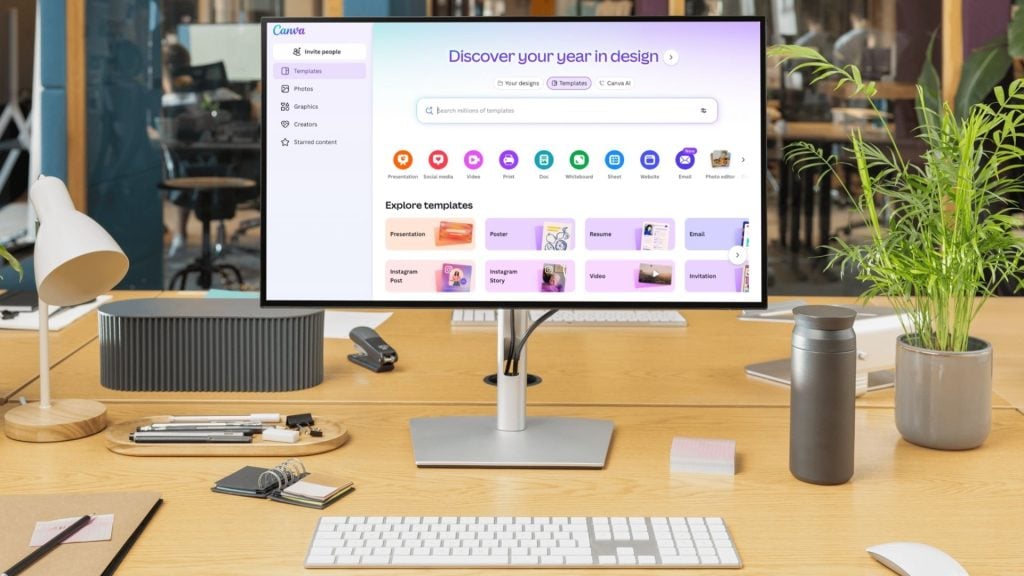
In addition to Canva’s free plan, dedicated users can also invest in a paid Canva Pro subscription, which unlocks more graphics and editing capabilities.
Can I Design a Billboard in Canva?
Technically you can design a billboard in Canva, but as an experienced outdoor media agency, we don’t recommend it. Here’s why:
1. Canva’s Tools Are Limited
While there are a lot of different things that you can do within Canva, there are also a lot of things that you can’t. While Canva is a versatile graphic design tool, it’s not the most sophisticated one, and with that comes limitations. The last thing you want is to use a tool that can’t fully realize your campaign vision, and when you try to design a billboard with Canva, you run that risk.

2. You Have to Pay for Canva Pro for Full Access
Canva is often touted as a free tool, but the fact of the matter is that Canva’s free plan doesn’t provide access to all of Canva’s capabilities. For full access, you have to pay for Canva Pro, which starts at $200/year for a Business plan.
If you’re already going to be investing ad dollars into launching a billboard campaign, putting in the extra work to create your own design loses a bit of its appeal.
3. Not All Elements Can Be Used Commercially
If you do decide to invest in a Canva Pro plan, it can feel like the sky is the limit. Unfortunately, designing a billboard in Canva Pro can still come with some complications. Not all of Canva’s elements are able to be used commercially, which means you could put together a design you love only to discover that you’re violating copyright law.
Additionally, if you don’t know the billboard advertising world well, you may not be familiar with your state’s rules or regulations (like those pertaining to cannabis marketing or outdoor alcohol ads). It’s always best to work with a professional to reduce the risk of costly mistakes.
4. Resolution Issues
Canva is best used for social media designs and small digital graphics. While you can design larger projects, the quality may decrease as the size increases.
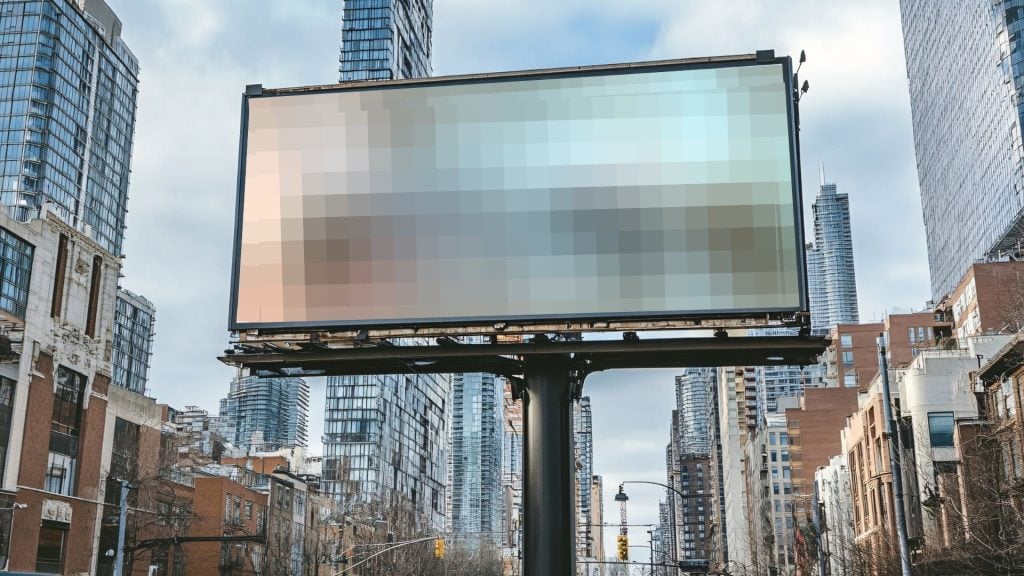
When you design a billboard in Canva, the design’s resolution may not be able to keep up with your needs and you may find yourself with a fuzzy or grainy billboard design, and changes may need to be made. This can rack up both extra expenses as well as delays as you’re forced to push your campaign timeline back for redesigns.
5. Amateur Visuals Don’t Represent Your Brand Well
When you build an outdoor media campaign like a billboard, you do so knowing that your design may get millions of eyes on it. Your billboard is a representation of your brand, and may be your brand’s introduction to someone who’s never heard of you before.
In reaching such a large audience, it’s critical to put your best foot forward, which doesn’t always happen when you’re represented by amateur design. If your visuals don’t look professional, you may find your organization getting passed up for a similar organization a few miles down the road with high-end professional graphics.
How Can I Get Professional Graphic Design Support for My Billboard?
When you work with an expert outdoor advertising agency, you’ll be able to connect with designers who specialize in out-of-home (OOH) ads. At Alluvit Media, our team provides no-cost creative for every billboard campaign we run, ensuring that your brand is well-represented with clear messaging and eye-catching design.
Say goodbye to hours of design efforts, low resolution, and frustrating timeline delays. When you work with Alluvit Media, you can trust that our team has your back and is here to support you with strategic billboard design that converts viewers into customers.
Ready to bring your design to the outdoors?
Connect with an outdoor media expert and get a free custom proposal.
The Verdict? Don’t Waste Time On Canva Billboard Designs
Outdoor media is one of the most effective ways to reach your ideal customer. You deserve a campaign that’s done right from start to finish. Skip the Canva billboard design effort and rely on the professionals to craft a campaign that helps you achieve your goals. That’s what we’re here for!
Connect with our media coordinators today to learn more about outdoor advertising options in your target area. Contact us today to receive a no-obligation outdoor media proposal.
FAQs:
How do you choose the best font for your billboard?
When choosing a font, prioritize readable fonts that reflect your brand’s personality. Or, work with a professional designer like the billboard designers at Alluvit Media, who offer no-cost design services.
How do I know if my billboard is doing well once it’s up?
To calculate billboard ROI (return on investment), compare your campaign’s total revenue to its overall cost using this formula: [(Revenue – Cost) / Cost] x 100. While tracking billboard metrics isn’t as straightforward as using a digital dashboard, you can still measure ROI by tracking metrics within your business like web traffic spikes, coupon redemptions, or store visits during the campaign.
How do I come up with a great call-to-action (CTA) for my billboard?
Use strong action verbs like “buy” or “join,” and prioritize clarity and urgency. When working with an outdoor media agency like Alluvit Media, you’ll receive expert insights from your media coordinator to craft a CTA that pops.